
A Safer Way to Pilot AI Learning Support
TrainerAid helps schools introduce AI study support with controlled rollout, teacher visibility, school-mode sharing controls, and privacy-first student progress tracking.

Start where it matters most
Grade 9 study support
Focused rollout for a single grade.
Board-aware chapter practice
Practice tied to your board's chapters.
Teacher-reviewed projects
Projects teachers can review in context.
Portfolio evidence
A record of real, reviewed student work.
Parent progress visibility
Supervised visibility with consent.
AI safety pilot
Test responsible AI adoption safely.
School controls
- School Mode
- Teacher dashboard
- Class-scoped access
- Privacy-safe exports
- Pilot feature flags
- Consent workflow
- Support contact
Teacher view
- Class-scoped student progress
- Review queue for projects
- Weak-topic visibility by class
- Privacy-safe reporting only
Insight for teachers, privacy for students
Teachers see what they need to support learning — progress, weak topics, and reviewed work — without raw chat history. Exports are privacy-safe and class-scoped.

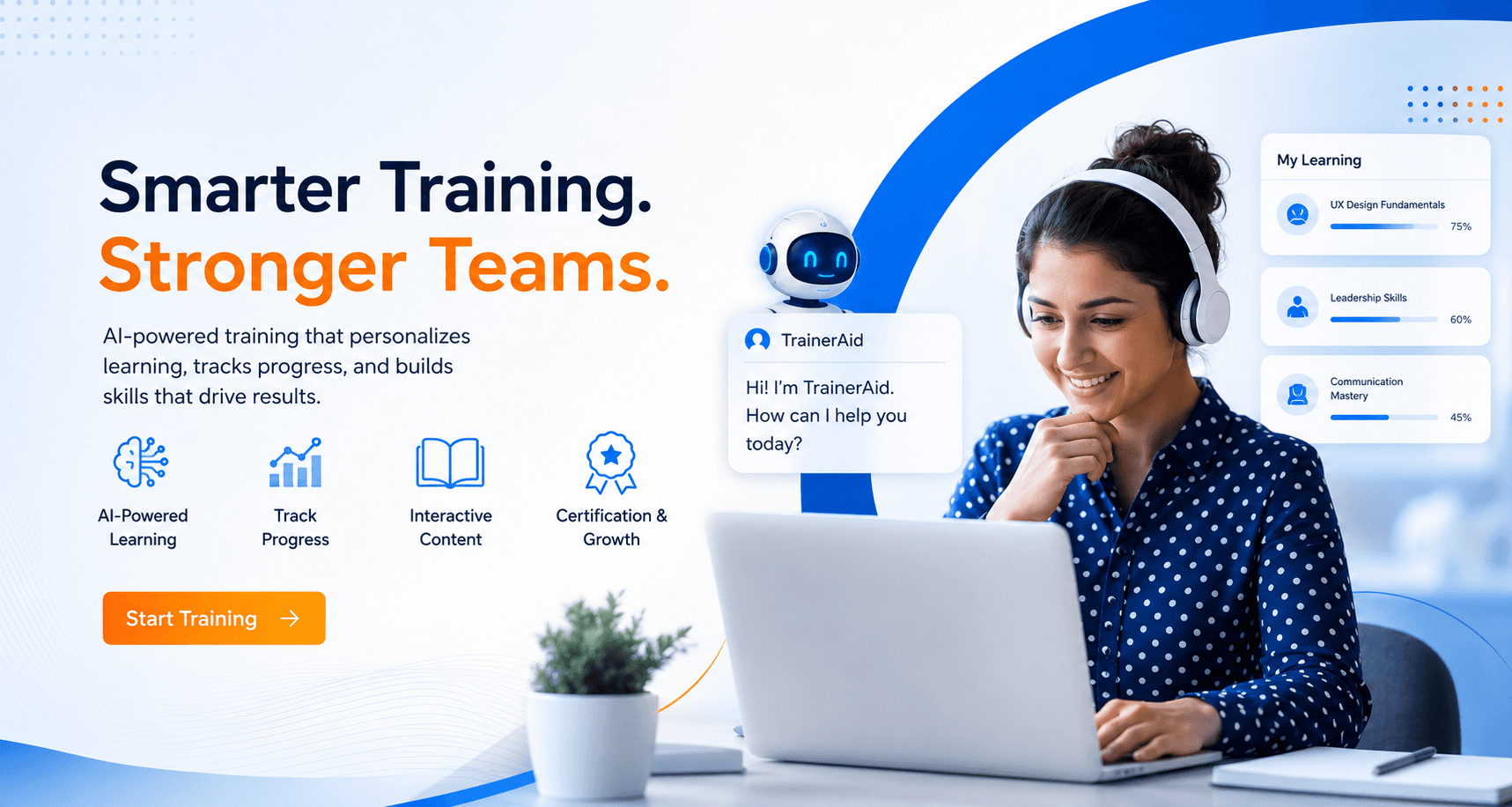
AI study support, built for whole classes
Roll out personalized, board-aware learning to a grade or class and track progress in one place — so teachers can spend less time chasing status and more time teaching.
- Personalized learning per student
- Progress tracked across the class
- Interactive, board-aware content
- Certification and growth signals
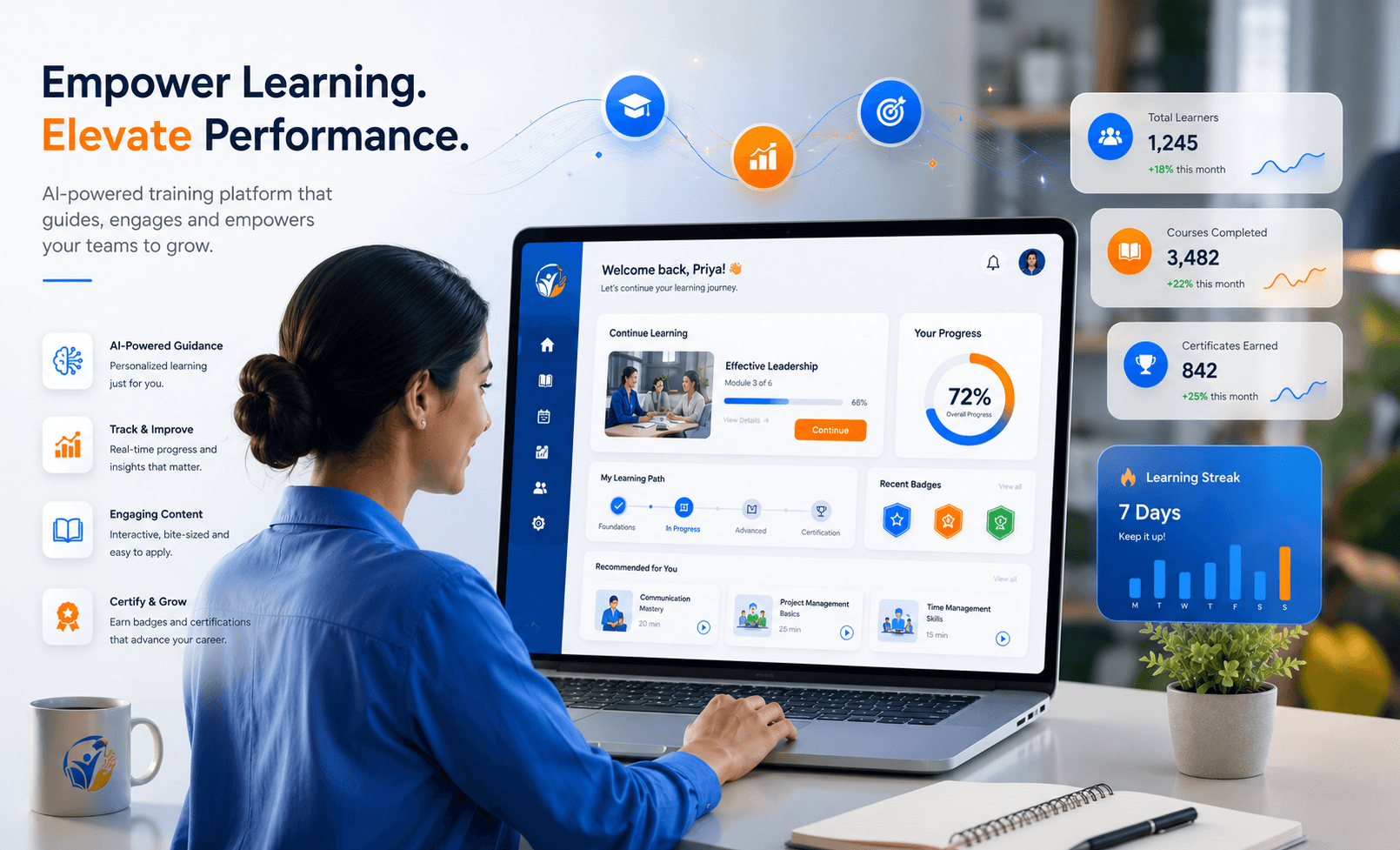
A dashboard teachers can act on
See learners, course completion, certificates earned, and learning streaks at a class level — with privacy-safe, class-scoped reporting and no raw chat history.
- Class-level learners and completion
- Certificates and milestones earned
- Engagement and learning streaks
- Privacy-safe, class-scoped exports
A clear path from request to rollout
- 1Submit pilot request
- 2TrainerAid team reviews fit
- 3Confirm board, grade, subjects, and classroom scope
- 4Configure pilot and consent workflow
- 5Start with selected users
- 6Review progress and feedback
Pilot AI study support, safely.
Start with one grade, one subject, or one classroom.